

Follow up on every client conversation.
Connect LinkedIn and email. Mate or your own AI agent drafts each reply and the next step, and you review and send them in one place.
No credit card · Open source (AGPL) · Database in Frankfurt · Works with your Claude or ChatGPT
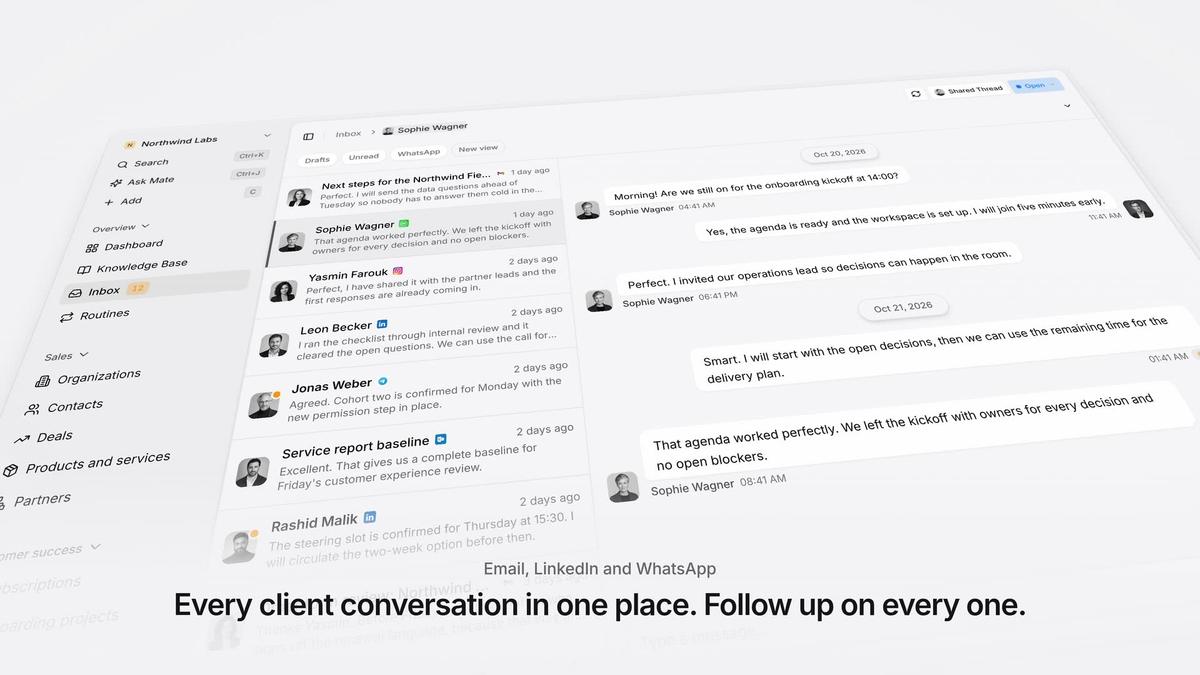
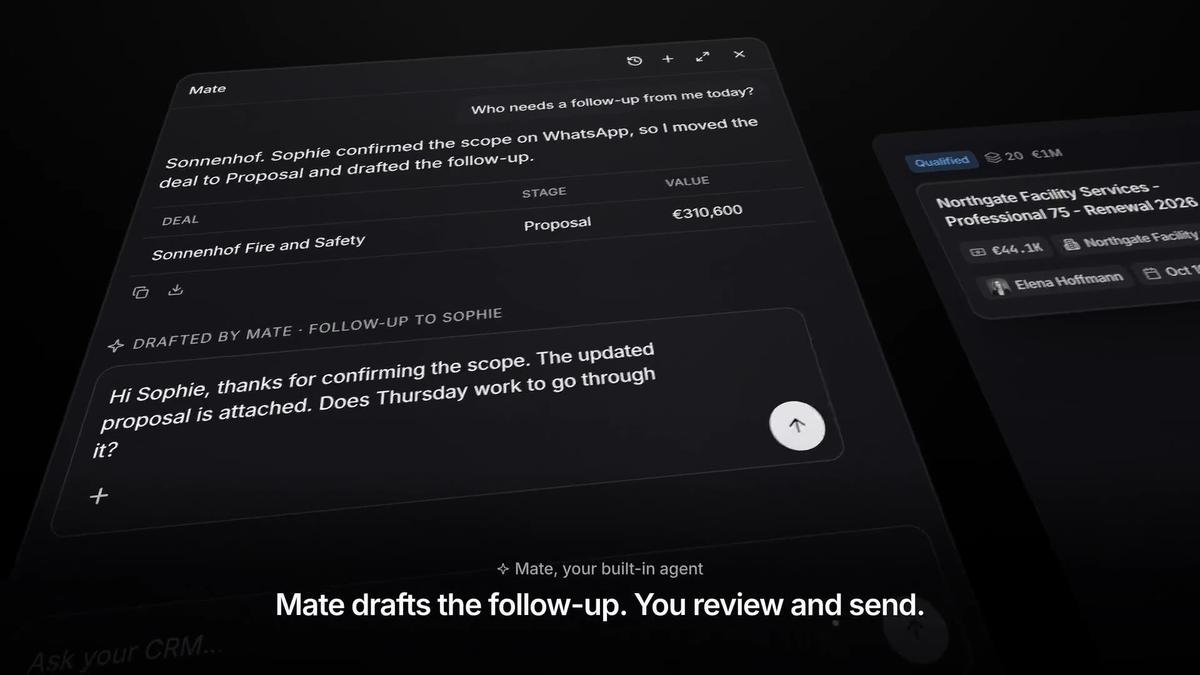
Every client conversation from email, LinkedIn and WhatsApp in one place. Mate sets up your workspace and drafts the follow-up, you review and send. Works with Claude, ChatGPT or any agent that speaks MCP.
Ways you can use it
Pick the job. The workspace follows.
- Follow up on LinkedIn conversationsLinkedIn and email threads sit on the client. Mate drafts the reply and dates the next step, and you review and send it in the conversation.See LinkedIn in the inbox
- Follow up on every proposal after the callClients, engagements and proposals with the conversations behind them, and a dated next step on each.CRM for consultants
- Keep client next steps on one dashboardEvery client gets a dated next step, and your dashboard shows what is due across all of them.See follow-up
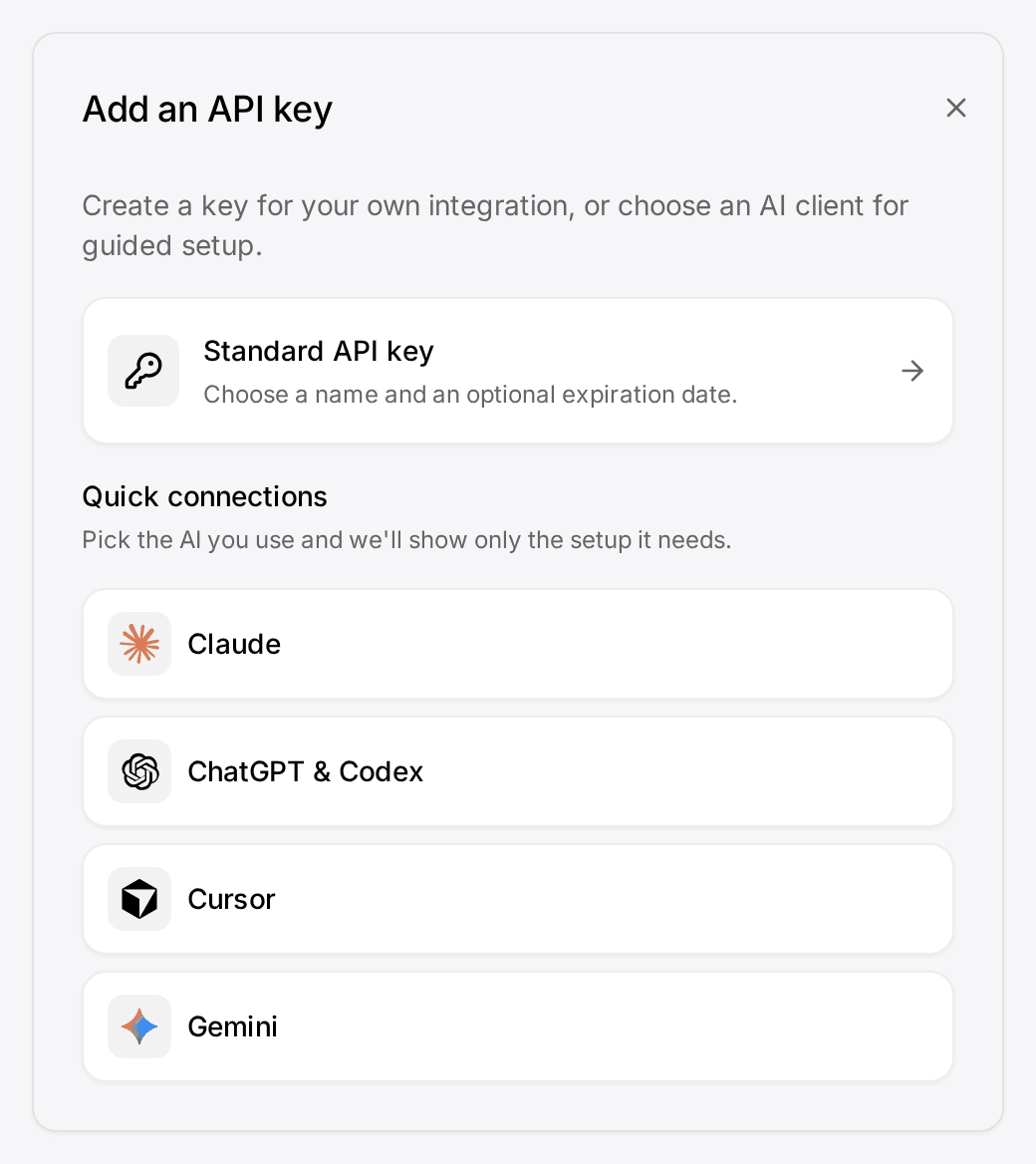
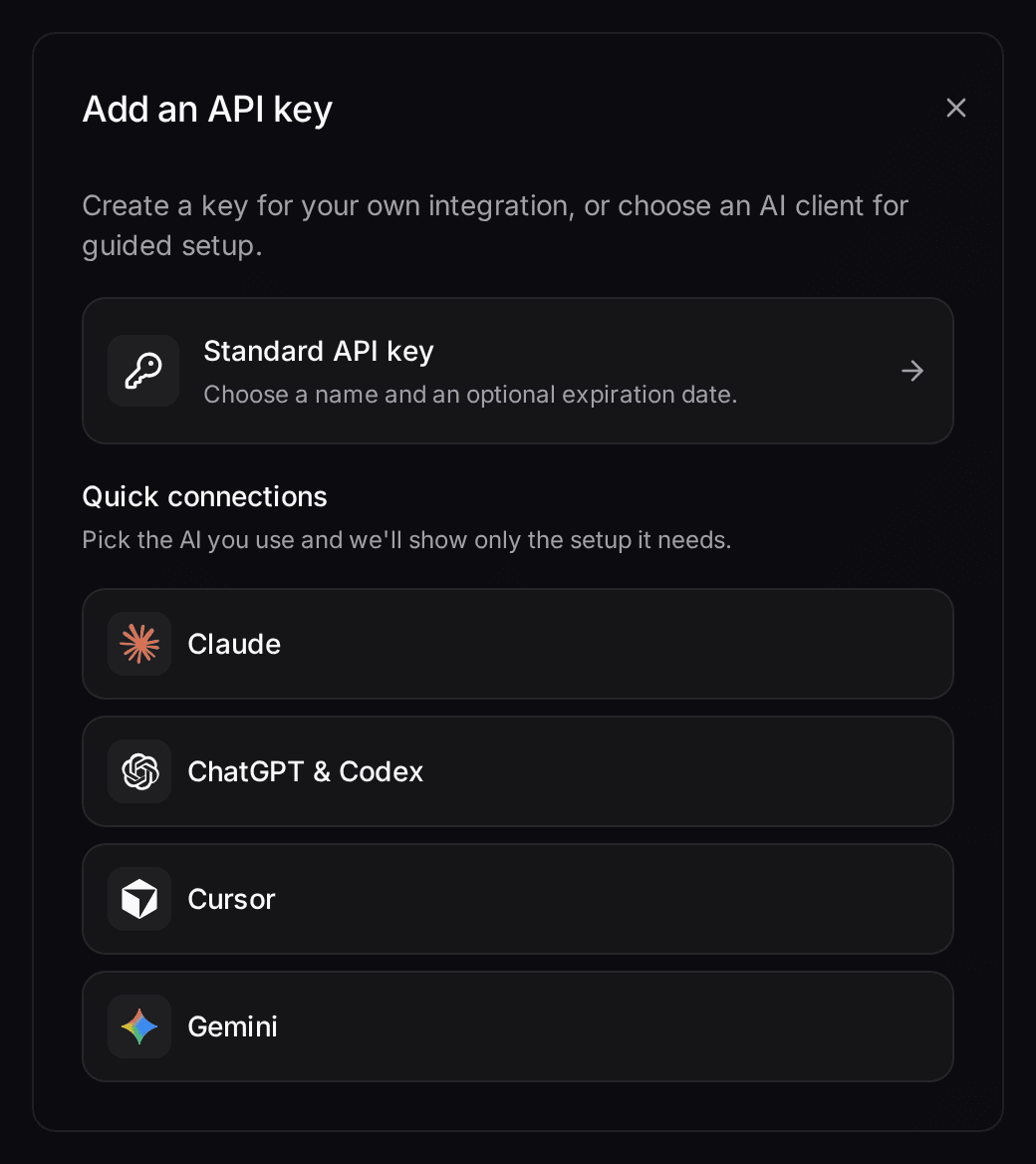
- Let your own Claude or ChatGPT work in your CRMConnect Claude, ChatGPT, Cursor or another MCP client. It reads and updates your workspace within your permissions.Connect your agent
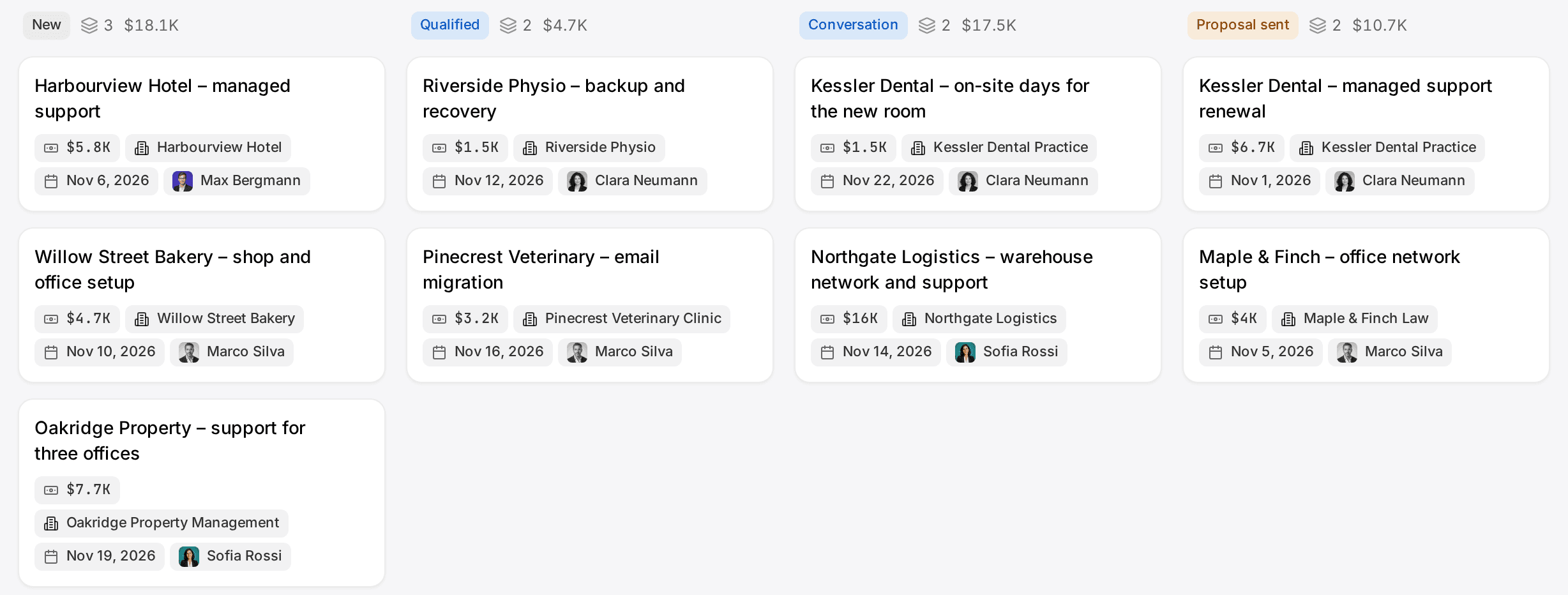
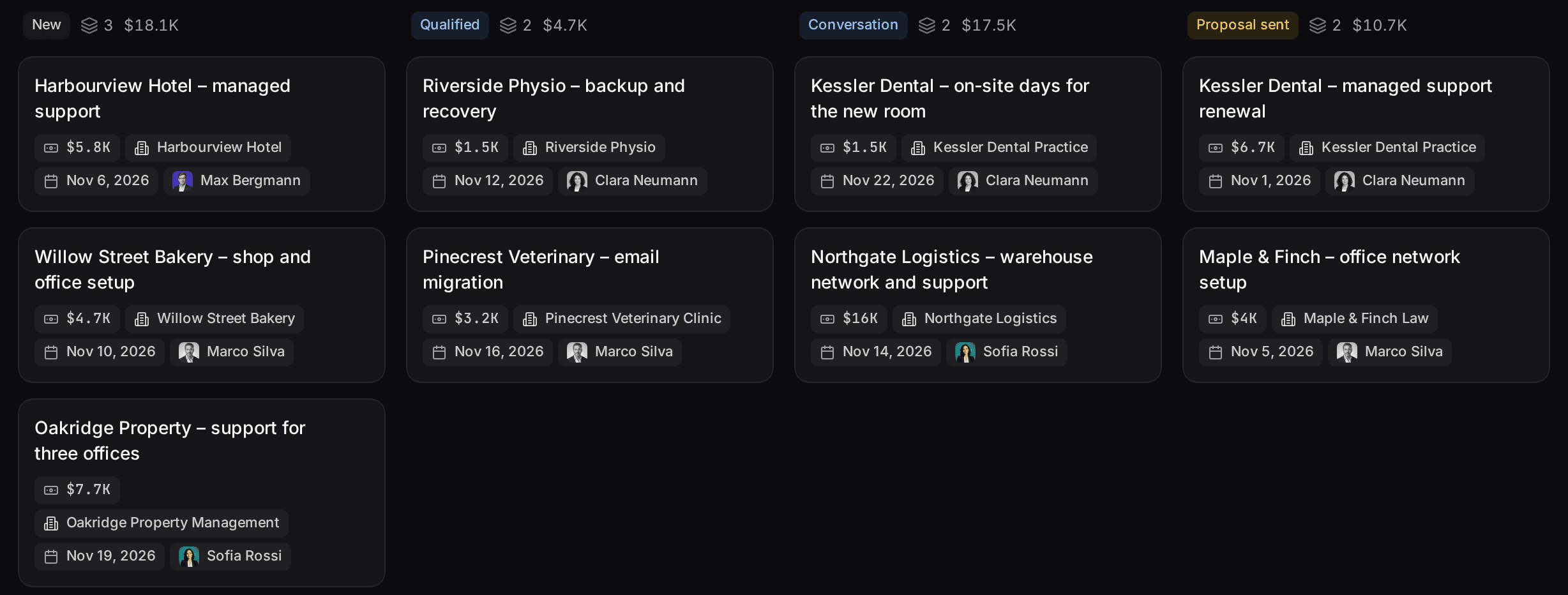
Your channels and your AI agents, connected
 LinkedIn
 Gmail
 Outlook
 WhatsApp
 Instagram
 Telegram
- Claude
- ChatGPT
- Gemini
- Cursor
 n8n
 Claude
 Gemini
Start from one description
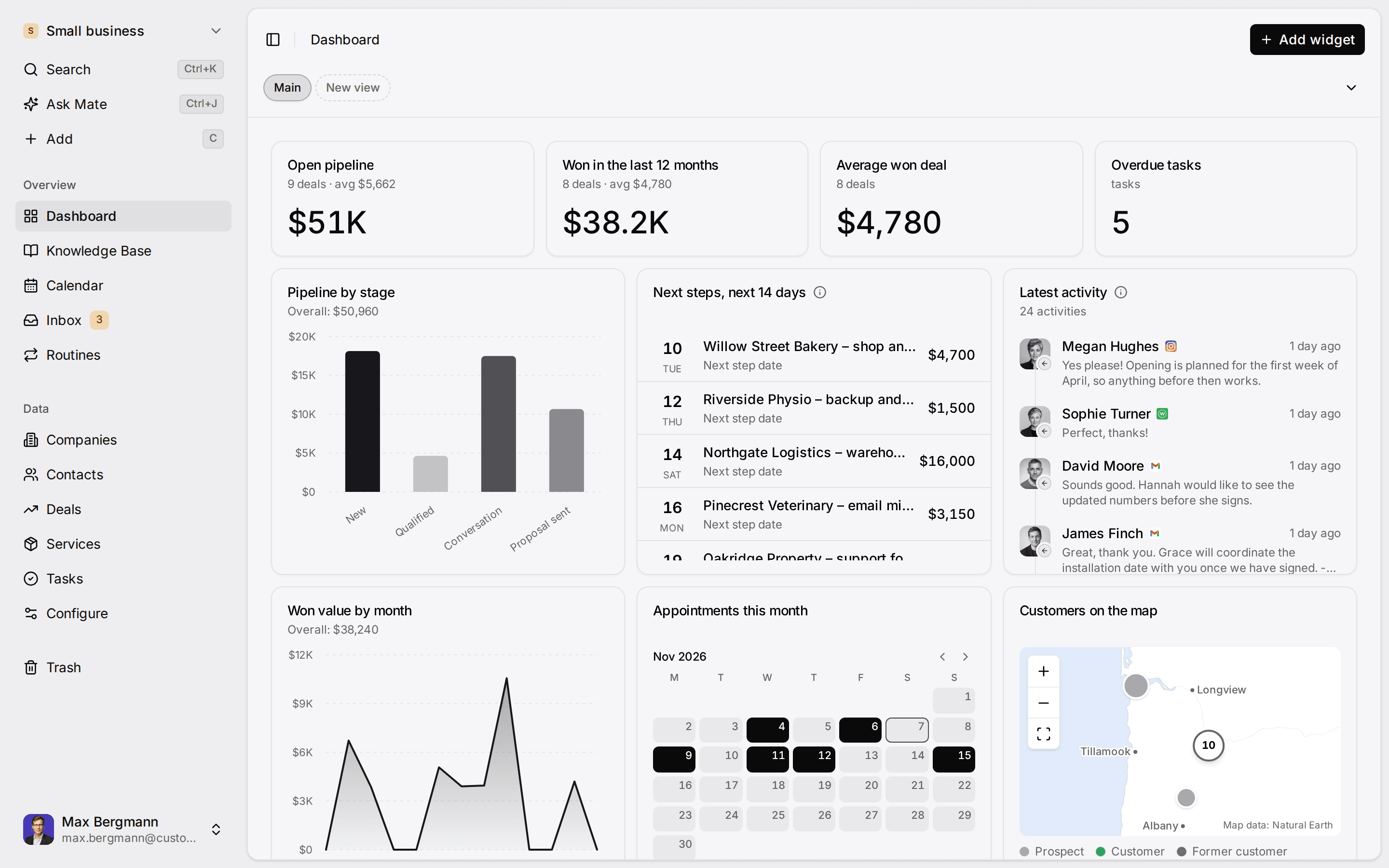
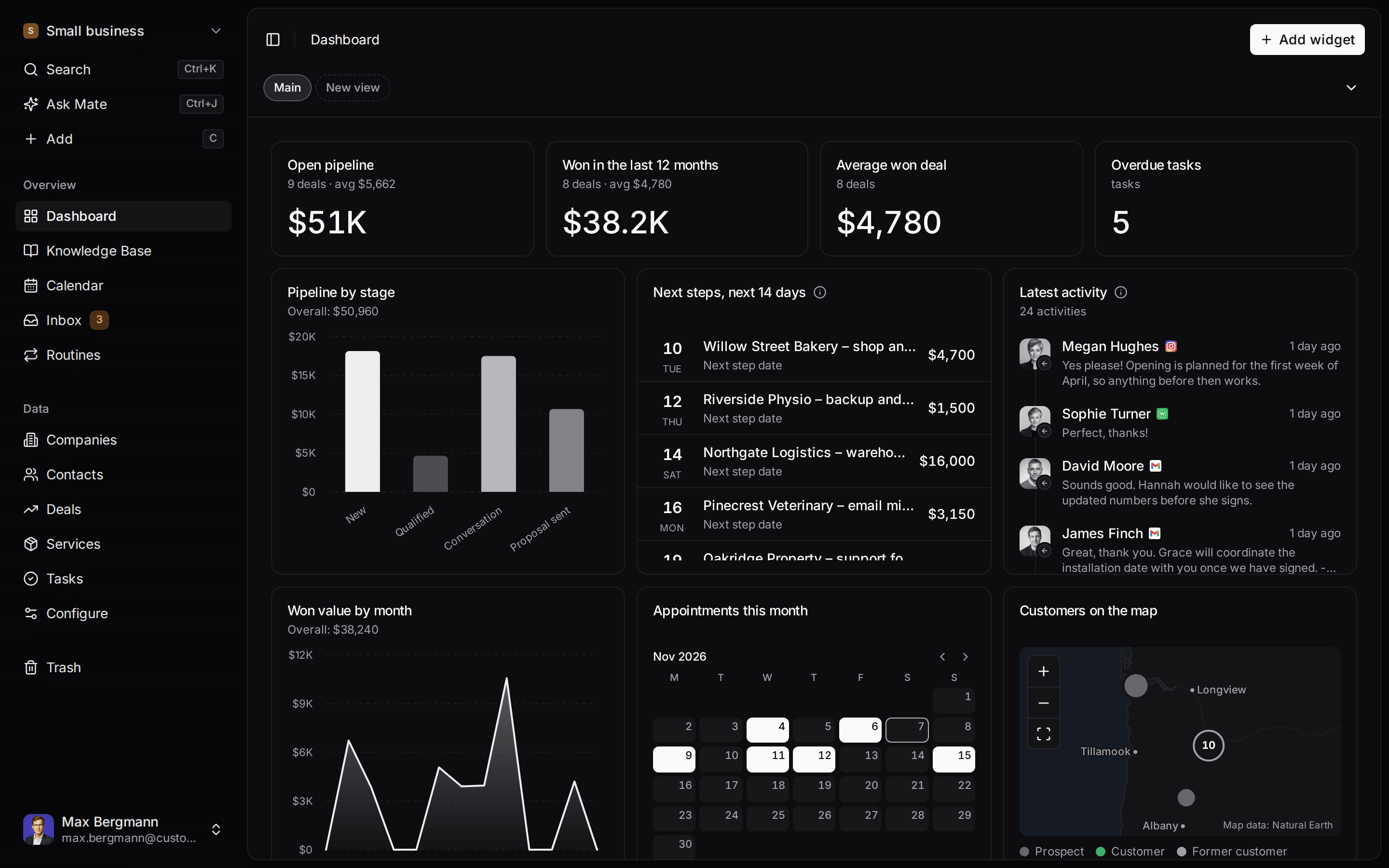
One description. A workspace your agent built.
This is what setup builds from one sentence. Sample data, the real product.
Describe your business
One sentence about your team, your clients and how you sell.
Mate builds it
It asks a few questions, then creates the lists, pipeline, dashboard and playbook.
Work in it
Connect LinkedIn and email. Click through a finished example below.
We're a four-person strategy consultancy. Track clients, engagements and proposals, and help us follow up with prospects on LinkedIn.
- Mate
- Claude
- ChatGPT
- Cursor

 Mate


Widgets built from the workspace's own lists and fields
Every reply, handled
Then it keeps up with you. Replies drafted, next steps on your dashboard.
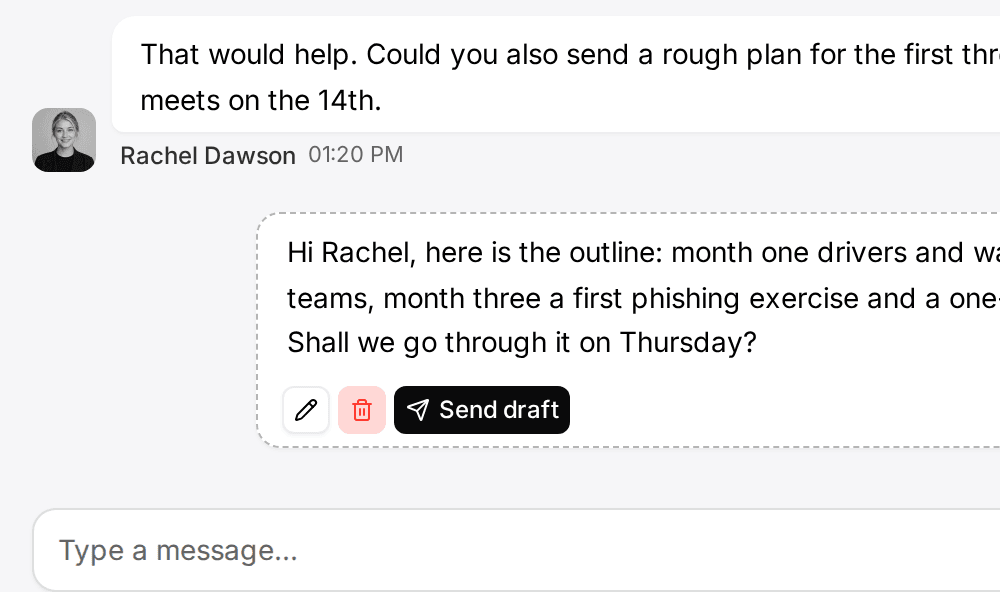
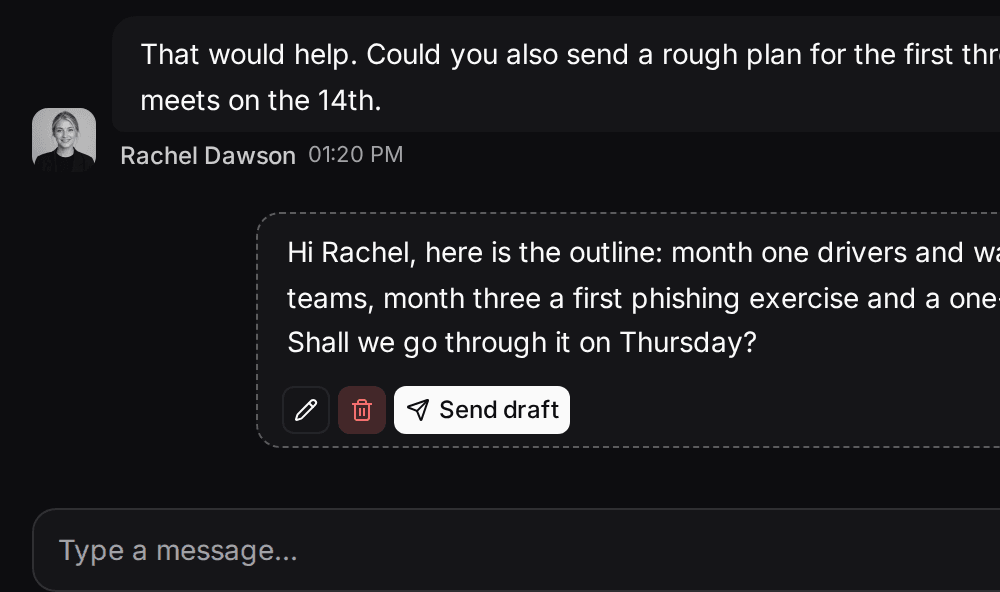
When a client writes, Mate drafts the answer from your playbook and puts the next step on your dashboard. You review, edit and send.
Jonas Weber
Halden & Co. · LinkedIn
Drafting a reply from your proposal playbookDraft, waiting for your review
Hi Jonas, thank you. I'll send the revised scope on Tuesday, with the two workshop options we discussed. Best, Anna
Draft saved. Next step added to your dashboard.
How it works
Everything your follow-up needs, in one place. Four parts that work together.
Your knowledge, your client data and your conversations live together, so every agent that helps you works from the same facts.
Agents
Every plan, Mate on paid CloudMate is built in. Or connect the AI you already pay for, and it works with the same records and rules.
Inbox
Cloud, from ProEmail and LinkedIn, plus WhatsApp, Instagram and Telegram, beside the client each conversation belongs to.
Data
Every planClients, deals and any list your business needs, with your own fields, stages and views.
Knowledge
Every planPlaybooks, prices and how you work, written once. Mate and connected agents use the pages their permissions allow.
Built on our own work
We run our own sales on Customermates.
Our prospects, partners and conversations live in a Customermates workspace. AI agents connected through MCP prepare the replies and follow-ups. We approve each new kind of message once, and similar ones follow the rules we approved.
- 01A reply arrives on LinkedIn or by email
- 02An agent drafts the answer and the next step
- 03A new kind of message waits for our approval
The same product you start with today.
For VAs, agencies and automation builders
Run follow-up for your clients.
Set up one workspace per client, connect their channels and let agents prepare the work you deliver.
- Up to 20 workspaces per login, one per client
- Your own agents and recipes through MCP
- 35% commission on qualifying subscription payments
Pricing
Simple per-seat pricing. Start with 14 days of Pro.
One monthly price per person, in euros. Your own Claude or ChatGPT subscription stays with its provider.
Starter
€12per person/month
Your workspace and your own AI
- Lists, pipeline, dashboards and Knowledge Base
- MCP for Claude, ChatGPT and Cursor
- No inbox or connected accounts
Pro
Best for follow-up€29per person/month
Follow up from LinkedIn and email
- Unified inbox, 1 connected account per person
- Mate drafts replies, 3x Starter usage
- 5 routines per person
Business
€69per person/month
Teams that share inboxes
- 3 connected accounts per person
- Share a whole account with the team
- 10x Starter usage, priority support
FAQ
Frequently asked questions
Do I have to replace my CRM?
Does Mate send messages on its own?
Is there a free plan?
Who is Customermates for?
How is Customermates different from other CRMs?
Which features need which plan?
Where is my data stored?
Can't find what you need? Contact us →
Customermates
Ready to follow up on every client?
Start with one channel and one client. Your trial runs 14 days on Pro without a credit card, or explore a consultancy demo workspace first.
No credit card · Cancel anytime · Made in Germany